Display All Posts Guide: Showcasing Every Blog Post on Your Website
- Kristen Savoy
- Dec 23, 2025
- 4 min read

When I first started sharing my art online, I quickly realized how important it was to make every piece accessible. Not just the latest creation, but every single blog post, every story behind the brushstroke. Displaying all posts on your website is more than a technical task. It’s about inviting visitors to explore your world, one post at a time. It’s about creating a seamless journey through your creative universe.
Let me walk you through how I approach this, with gentle confidence and a clear plan. Whether you’re an artist, a curator, or someone who simply loves original art, this guide will help you showcase your content beautifully and effectively.
Why You Need a Display All Posts Guide on Your Website
Imagine walking into a gallery where only one painting is visible. You’d miss the full story, the depth, the evolution of the artist’s vision. The same goes for your website. When you display all posts, you open the door to a richer experience.
Here’s why it matters:
Complete Storytelling: Visitors can see your journey, your growth, and your unique style.
Improved Navigation: Easy access to every post keeps visitors engaged longer.
SEO Benefits: Search engines love well-organized content, boosting your visibility.
Building Trust: Transparency and openness invite connection and loyalty.
I use a simple, clean layout that highlights each post’s essence without overwhelming the visitor. It’s like walking through a thoughtfully curated exhibition.

How to Create an Inviting Display All Posts Guide
Creating a display all posts page is both an art and a science. Here’s my step-by-step approach:
Choose the Right Layout
I prefer a grid or list layout with clear thumbnails and titles. This helps visitors scan quickly and find what interests them.
Use Engaging Thumbnails
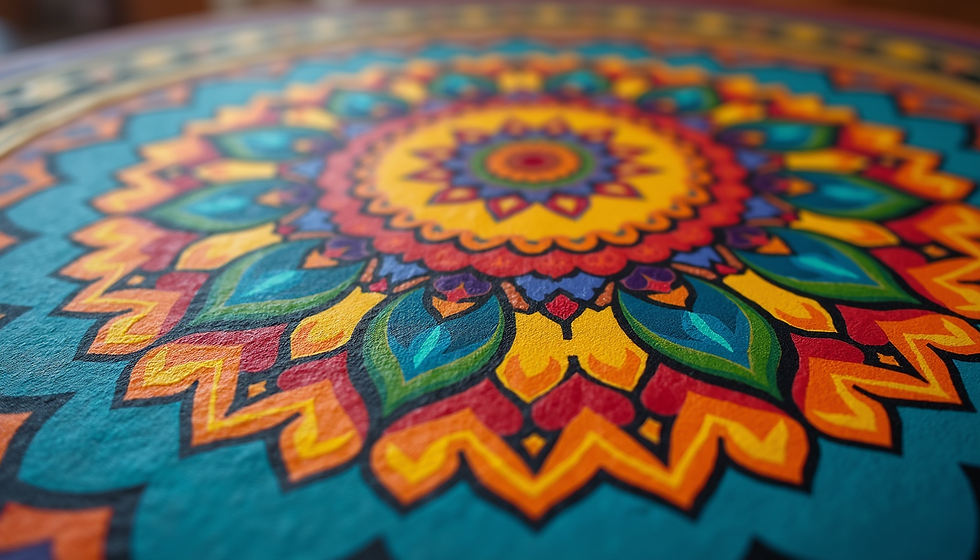
Each post deserves a visual teaser. A close-up of a mandala detail or a vibrant color splash can draw the eye.
Add Brief Descriptions
A sentence or two under each title gives context and invites clicks.
Implement Pagination or Infinite Scroll
If you have many posts, break them into pages or use infinite scroll to keep the experience smooth.
Include a Search Bar
Let visitors find specific topics or themes easily.
Optimize for Mobile
Many visitors browse on phones. Make sure your display adapts beautifully to smaller screens.
Link to Categories or Tags
Grouping posts by themes like “Meditative Art” or “Color Studies” helps visitors dive deeper.
By following these steps, you create a welcoming space where every post shines.
What is the plural of post?
You might wonder about the word “post” itself. When talking about more than one, the plural is simply posts. It’s straightforward and widely accepted in the blogging and publishing world.
Using the plural form correctly helps maintain clarity, especially when discussing multiple entries on your site. For example, “I have published many posts about mandalas and their meanings.” It’s a small detail, but it keeps your writing polished and professional.
Practical Tips for Showcasing Your Blog Posts Effectively
Now, let’s get practical. Here are some actionable tips I’ve learned from experience:
Highlight Featured Posts
Pick a few standout posts to feature at the top. This draws attention to your best work or latest updates.
Use Consistent Styling
Keep fonts, colors, and spacing uniform. This creates a harmonious look that feels intentional.
Incorporate Calls to Action
Encourage visitors to subscribe, comment, or share. Engagement builds community.
Update Regularly
Refresh your display as you add new posts. This keeps the page dynamic and inviting.
Leverage Visual Hierarchy
Use size and placement to guide the eye. Bigger images or bold titles can signal importance.
Test Load Times
Optimize images and scripts so your page loads quickly. Slow pages lose visitors.
Add Social Sharing Buttons
Make it easy for readers to share posts they love, expanding your reach.
By weaving these tips into your display, you create a vibrant, user-friendly hub for your content.

Bringing It All Together: The Power of Displaying Every Post
When I think about the goal of sharing my art, it’s about connection. Displaying every post on my website isn’t just a feature. It’s an invitation. An open door to explore, learn, and feel inspired.
If you want to grow your presence in galleries and art publications, or simply connect with those who appreciate original, intuitive art, this is your foundation. A well-crafted display of your posts tells your story with clarity and warmth.
For those curious, you can explore all posts on my site to see how this looks in action. It’s a living gallery, always evolving, always welcoming.
Remember, your website is your canvas. How you showcase your posts shapes the experience. Make it inviting. Make it clear. Make it yours.
Next Steps to Elevate Your Website’s Blog Display
Ready to take your blog display to the next level? Here are some ideas to consider:
Experiment with Interactive Elements
Try hover effects, animations, or filters to engage visitors.
Integrate Multimedia
Add videos, audio clips, or slideshows to enrich posts.
Gather Feedback
Ask visitors what they like or want to see more of. Use surveys or comments.
Collaborate with Other Artists
Feature guest posts or interviews to diversify content.
Monitor Analytics
Track which posts get the most views and clicks. Use this data to refine your display.
Each step you take brings you closer to a website that truly reflects your passion and vision. It’s a journey worth embracing.
I hope this guide inspires you to showcase your blog posts with intention and grace. After all, every post is a brushstroke in your digital masterpiece. Let’s make sure they all shine brightly.


Comments